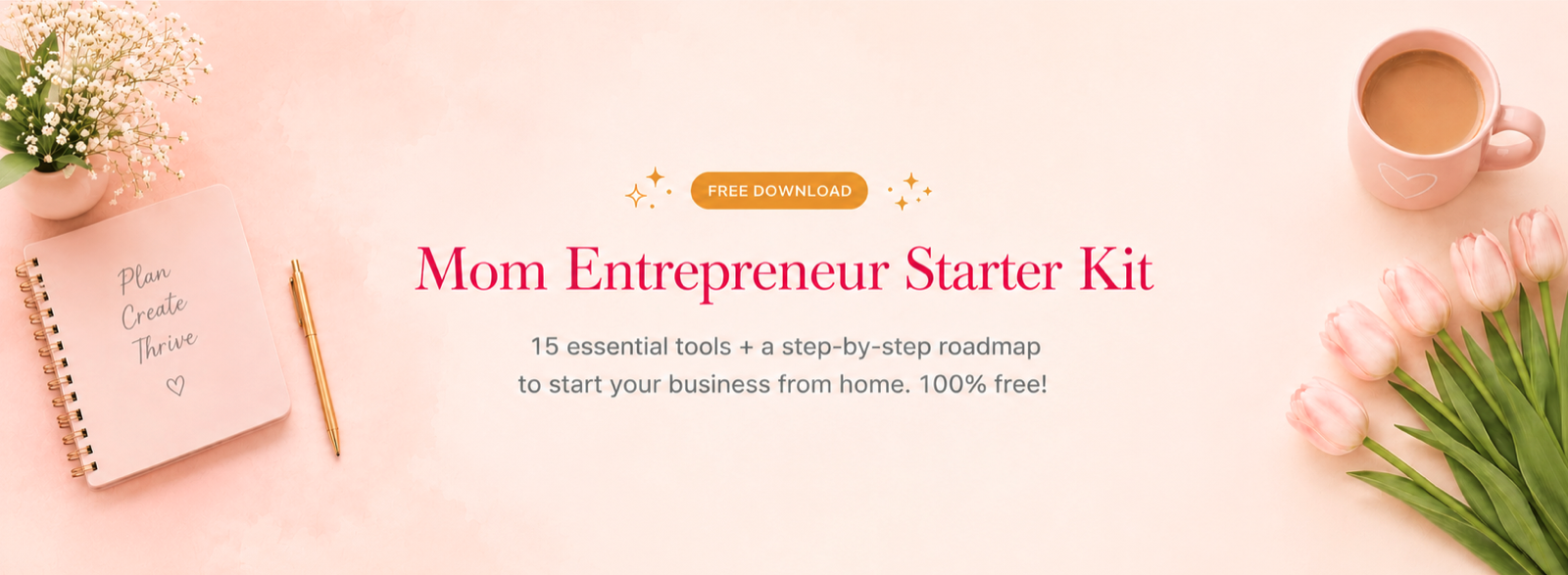
My first lead magnet was a 22-page ebook. It took 3 weeks to write. Conversion rate: 6%.
My second lead magnet was a 1-page checklist. It took 45 minutes to make. Conversion rate: 37%.
The lesson: moms do not want more information. They want faster solutions. This guide shows you the 12 highest-converting lead magnet formats for mom audiences, with examples of each.
📌 Key Takeaway: Lead magnets convert best when they solve one small, daily problem fast. For mom audiences that usually means a single-page printable or checklist, not a 40-page ebook. This guide shows the formats that work. For list building strategy, see my how to build a mom blog email list from scratch guide.
The 12 Highest-Converting Lead Magnets for Moms
The 4-Part Lead Magnet Formula
Every high-converting lead magnet has these 4 elements:
1. Specific Problem — Not “improve your life” but “plan dinner for the week” 2. Quick Win — Solvable in under 5 minutes of using your resource 3. Visual Promise — Looks designed, not just a wall of text 4. Clear Title — Reader knows exactly what they get before opting in
Bad lead magnet title: “Free Mom Resource Bundle” Good lead magnet title: “The 5-Minute Weekly Meal-Prep Template (Saves 3 Hours)“
Step-by-Step: Create Your First Lead Magnet (90 Min)
Step 1: Pick Your Topic (10 min)
Look at your blog analytics. Your top-performing post tells you what readers want. Create a lead magnet related to that post.
Example: If “easy toddler snacks” is your most-read post, your lead magnet should be “20 Healthy Toddler Snack Ideas (Printable List).”
Step 2: Design in Canva (60 min)
- Search Canva for “[your topic] template” (e.g., “meal planner template”)
- Pick a template that matches your brand
- Customize text, colors, fonts
- Export as PDF at 300 DPI
For Canva basics, see my Canva tips for beginners guide.
Step 3: Upload + Automate (20 min)
- Upload PDF to your email platform (see best email marketing platforms for mom bloggers)
- Create automated welcome email with PDF link
- Add opt-in form to your blog (top + middle + end of posts)
5 Lead Magnet Mistakes to Avoid
- Too generic title (“Free Guide” converts 5x worse than specific titles)
- No visual preview (show what they get with a mockup image)
- Too long (1-3 pages convert way better than 30-page ebooks for moms)
- No clear “before/after” (state the result they get)
- Misalignment with blog topic (lead magnet about meal prep on a homeschool blog confuses readers)
💡 Further Reading: Pair this with how to build a mom blog email list from scratch, email marketing for beginners, and Canva tips for beginners.
Conclusion
A great lead magnet is your #1 email list growth lever — bigger impact than traffic increases or sales funnels. Create one this week using the 90-minute formula. Add it to your blog homepage and bottom of every post. Watch your list grow.
References
- HubSpot (2024). “State of Marketing Report: Lead Generation.”
- Canva (2024). “Template Best Practices for Lead Magnets.”
- Sumo (2024). “Lead Magnet Examples by Industry.”